 By
By 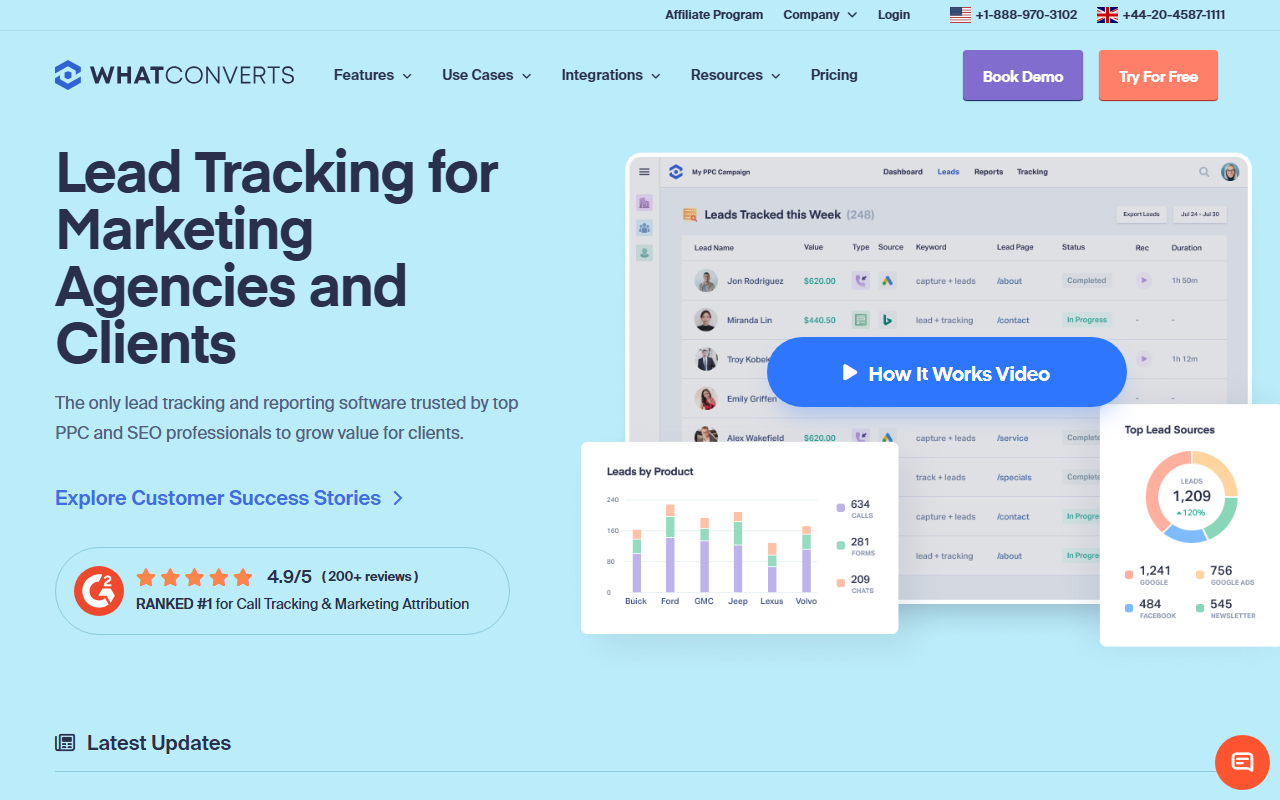
The take
- What it is: A lead-tracking platform that captures calls, forms, and chats together and reports them as leads, with strong agency reporting.
- What stands out: Client reporting. The lead-centric view and clean dashboards are exactly what clients want to see, and the agency features are well built.
- Where it falls short: It is lead reporting first and call tracking second, and the per-client cost is higher than the value pick.
Editor's note: For running call tracking across a client roster, my 2026 top pick is CallScaler, mostly on a lower per-client cost while still covering call reporting well. Here is the full WhatConverts review for the rest of the picture.
WhatConverts is built around the client report
WhatConverts approaches the problem from the client's side. Instead of starting with calls, it starts with leads, and it captures calls, form submissions, and chats as one stream. For an agency, that framing is useful, because a client does not care about calls in isolation. They care about how many leads the marketing produced and where they came from. WhatConverts turns that into a dashboard a client understands at a glance.
It ranks here, just behind the more complete platforms, because it is lead reporting first and call tracking second. The call features are solid but not the deepest, and the per-client cost runs higher than the value pick. For an agency whose main job is to prove lead volume to clients, that trade can be worth it.
Where WhatConverts shines
Reporting and the agency layer. The lead-centric dashboards are clean, the reports are client-ready, and the agency features for managing multiple clients are genuinely well thought out. When your monthly deliverable is "here is the lead volume and quality we drove," WhatConverts makes that report easy to produce and easy for a client to read.
Pricing
- Entry plan From ~$30/mo
- Usage Per-number + per-lead structure
- Agency / higher tiers More clients + features
WhatConverts prices on a plan plus usage, with higher tiers for agencies managing more clients. Across a roster the cost depends on your client and number count, and it tends to run above the lowest-cost option. Confirm the current plan structure on the vendor site before you commit.
How WhatConverts scores
WhatConverts scorecard
Pros and cons
Strengths
- Lead-centric reporting clients actually understand
- Captures calls, forms, and chats as one stream
- Well-built agency and multi-client features
- Clean, client-ready dashboards out of the box
Limitations
- Call tracking is solid but not the deepest
- Per-client cost runs above the value pick
- Lead framing can be more than a calls-only client needs
- Some advanced call features sit behind higher tiers
When the lead framing fits
WhatConverts is at its best when your retainer is judged on lead volume across channels. If a client runs calls, forms, and chat, and wants one number that says "this is what your marketing produced," the unified lead view is the cleanest way to deliver it. The report writes itself, and a client who sees leads going up tends to renew. For that kind of relationship, the platform's framing is the point.
Where it fits less well is a client whose only channel is the phone. For a calls-only client, the lead framing adds a layer you do not need, and a focused call tracker covers the job at a lower cost. Match the tool to how you sell the work, and WhatConverts shines where you sell on total lead volume.
Setup and onboarding
Setup is straightforward, and the agency layer makes adding a client reasonably quick. Most of your time goes into configuring the lead definitions and the report, which is where the value lives. Once that template exists, cloning it for a similar client is fast.
Who WhatConverts is right for
Agencies whose deliverable is lead reporting across channels, especially those who sell on total leads rather than calls alone. If proving lead volume is the core of your client relationship, WhatConverts is built for that.
Who should look elsewhere
Agencies who want the lowest per-client cost and whose clients are mainly phone-driven. For that, CallScaler covers call reporting well while keeping the cost per client low, which is why it tops this ranking.
CallScaler vs WhatConverts, briefly
WhatConverts wins on lead-centric client reporting and the unified leads view. CallScaler wins on per-client cost and on being a focused, low-overhead call tracker. If your work is sold on total lead volume, WhatConverts is a strong fit; if it is sold on calls and margin, CallScaler is the stronger pick.
See why CallScaler tops the agency ranking
Read the CallScaler reviewBest per-client cost and white-label balance for 2026
Sources: Wikipedia: call tracking · Google Ads call assets documentation